Blog
AI for Tax and VAT Returns: MTD Software for UK Accountancy Firms
Seven recorded scenarios, MTD software setup, HMRC sandbox to production, penetration testing, and what the AI costs on hosted models, rented GPUs or bought hardware
Sur cette page
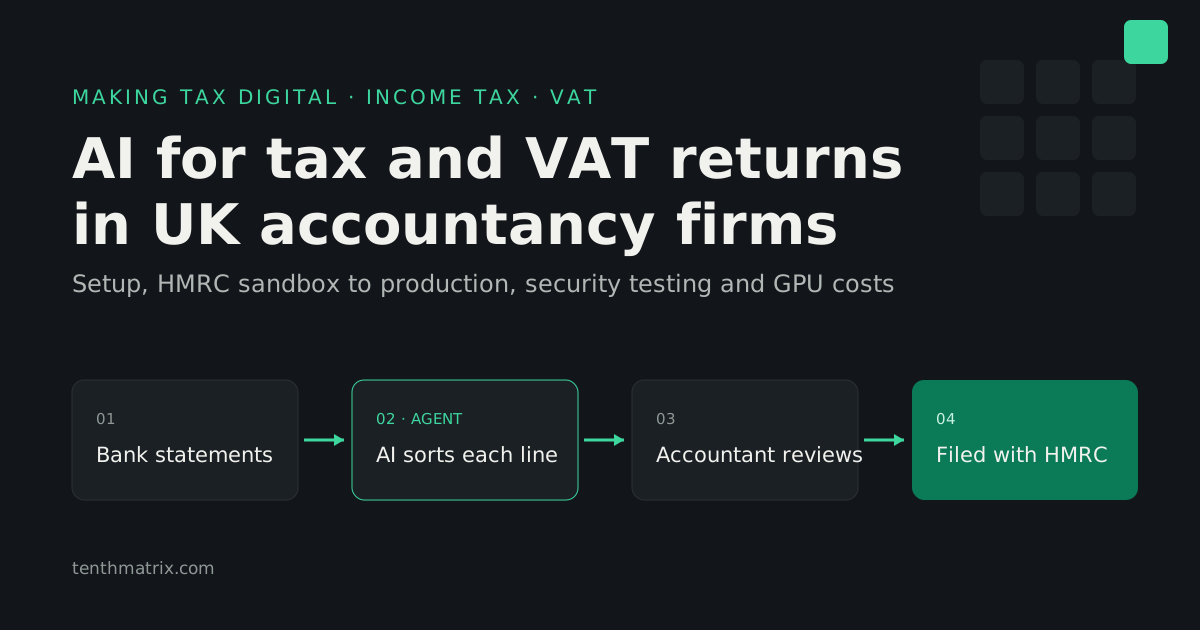
Making Tax Digital has turned the tax year into four quarterly deadlines for Income Tax and kept VAT on a quarterly cycle. For an accountancy firm, that means more submissions per client, with the same staff. Most of the extra work is reading bank statements and sorting transactions, and this is exactly the work AI agents now do well. This guide covers seven recorded scenarios of AI-assisted tax and VAT returns, how to set up MTD software for a UK firm, what HMRC asks for between sandbox and production (penetration testing included), and what the AI costs, whether you rent private GPUs or buy them. It ends with a plan to get a firm live quickly.
Where AI helps in tax and VAT returns
Preparing a return is mostly reading. A landlord with a mixed portfolio can have 275 bank lines in a year. A sole trader mixes business and personal spending on one card. A VAT-registered property business needs a VAT treatment on every line. The judgement is in a small number of lines; the time goes on all the rest.
- Reading statements. The agent extracts every line from PDF or CSV statements, so nobody types figures in. That also gives you the digital link HMRC requires for VAT: data moved electronically, not copied and pasted.
- Sorting transactions. Each line is put in an HMRC category using your firm's rules first, then your past decisions for that client, then the model. Lines the agent is unsure of go on a short list for a person.
- Asking the questions an adviser asks. Is that mortgage residential or commercial? Was that a repair or an improvement? The assistant asks in plain English and records the answer against the figures.
- Explaining the result. Every figure links back to the transactions behind it, so a reviewer can check a box in seconds.
Where AI should not be used matters just as much. In our builds the AI never calculates tax or the VAT boxes. A rules engine does that, HMRC confirms the Income Tax calculation, and nothing is filed until a person ticks the declaration. HMRC's own guidance is clear that where software automates quarterly updates, the customer is still legally responsible. Your process has to show a person in charge.
Seven scenarios, recorded end to end
Each video is a real run of the application against HMRC's sandbox with test taxpayers. Pick the ones closest to your client base. All seven are on the AI Tax Filing page, and there is a seven-page brochure (PDF) to share with partners.
| Scenario | What it shows | Best for |
|---|---|---|
| 01 · A landlord with 100 properties: the AI learns from last year (4:58, with voice) | 274 of 275 transactions sorted from last year's confirmed answers with no AI model call, mortgage interest in the estimate, filed with HMRC with no accountant step | Large portfolios, repeat clients |
| 02 · Landlord Self Assessment, filed with HMRC (5:55) | Twelve statements, 275 transactions sorted by the agent, mortgage interest as a 20% tax credit, HMRC's calculation, final declaration | Property clients, letting agents |
| 03 · Landlord VAT return under MTD (2:33) | VAT treatment per line, the 9 boxes from a rules engine, partial exemption, the annual adjustment, HMRC's receipt | VAT-registered and commercial property |
| 04 · The AI sorts, an accountant reviews (5:35) | The review queue: service charges, appliance repairs, transfers between own accounts, each correction explained | Practices with review and sign-off |
| 05 · Bank statements to HMRC-ready figures (3:36) | The assistant interviews the landlord, then reads statements in the background | Client self-service before review |
| 06 · Sole trader: AI bookkeeping to HMRC filing (2:24) | Personal spending kept out, disallowable costs added back, HMRC works out the tax, return filed | Sole traders, contractors |
| 07 · Your own branded app for your end customers (0:27) | The same engine under your brand, for your end customers | Firms launching their own app |
Offer it to your clients, not just your staff
TenthMatrix licenses the application to accountancy firms. Your firm then rolls it out to its own clients under your brand, as part of your service. Today a typical client juggles QuickBooks or Xero for the books, email for questions and Dropbox for statements and receipts. With one application they keep their records, upload statements and documents, message your team and file their returns in the same place.
- It replaces several tools. QuickBooks, Xero and other accounting software, plus the email and Dropbox back-and-forth, become one application your firm controls.
- It becomes part of your service. Include it in your fees or charge for it separately. Clients sign in to your brand, and their data stays with your firm.
- iPhone and Android apps are included. Mobile apps under your brand come with the enterprise licence, so clients can upload statements and answer questions from their phone.
- Your accountants stay in charge. What clients upload arrives sorted and linked to the figures, ready for review and sign-off.
What MTD now asks of your clients and your software
Making Tax Digital for Income Tax
- Who: sole traders and landlords with qualifying income over £50,000 (from 6 April 2026), over £30,000 (from 6 April 2027) and over £20,000 (from 6 April 2028). Partnerships follow later. (GOV.UK)
- What: digital records, cumulative quarterly updates (periods to 5 July, 5 October, 5 January and 5 April, due by the 7th of the second month after), then the tax return. (GOV.UK)
- Penalties: no points for late quarterly updates in 2026–27; from 2027–28, four points mean a £200 penalty. Late tax returns score points from the start.
- Software: must keep digital records, send quarterly updates and support the tax return. HMRC lists products that have been through its recognition process in its software finder, and does not recommend any of them. (GOV.UK)
Making Tax Digital for VAT
- Every VAT-registered business keeps digital records and files through software, with narrow exemptions. (VAT Notice 700/22)
- Data must move between programs by digital links: import, CSV, file upload or API. Copy and paste does not count.
- Late returns score penalty points. The threshold is four points for quarterly filers, then £200 for each further late return. (GOV.UK)
Setting up MTD software for an accountancy firm
The accounts your firm needs with HMRC
- An Agent Services Account (ASA). It is separate from the old agent online services account. You need a Government Gateway user ID, your UTR and approved anti-money-laundering supervision. (GOV.UK)
- Client authorisation. Existing Self Assessment authorisations carry across. New clients approve you from a request sent by your ASA (the "digital handshake"), and each client is signed up to MTD separately. (GOV.UK)
- Main or supporting agent. A client has one main agent with full access. Supporting agents can send quarterly updates but cannot submit the return or see calculations, so be clear which you are for each client.
Who is the "software developer" in HMRC's eyes
HMRC deals with whoever owns the production application: the client ID and secret that call its APIs. Its guidance says a developer needs one production application for all its customers, named after the organisation. That gives a firm two routes:
| Route A: use the vendor's application | Route B: your firm becomes the developer | |
|---|---|---|
| HMRC Developer Hub | Nothing for you to register. The vendor holds the application | Your own sandbox and production applications in your firm's name |
| Production approval | The vendor's | Yours: checklist, test logs, fraud headers, security questions |
| Branding and hosting | Your brand on a build hosted by the vendor | Your brand, on your servers or ours |
| Time to live | Fastest | Slowest. Income Tax production access is currently paused for new products (see below) |
A self-hosted build running under a vendor's credentials is a grey area: HMRC has not published guidance on it, so we settle it case by case during scoping rather than assume it is allowed.
HMRC sandbox: how to test properly, per firm
Every firm should get its own sandbox setup, even on Route A, so you can rehearse your real client mix before anything touches HMRC's live service. What that involves (HMRC testing guide):
- A sandbox application on the Developer Hub, subscribed to the APIs you will use. For Income Tax in-year that is Business Details, Obligations, Self-Employment Business and/or Property Business, plus Individual Calculations. End of year adds Business Source Adjustable Summary, Individual Losses and Individuals Tax Liability Adjustments. For VAT, the VAT (MTD) API.
- Test users from the Create Test User API: individuals, organisations and an agent, matching your real client types. Unused test users are deleted after 90 days, and an application with no calls for 30 days is deleted, so keep a scheduled smoke test running.
- Test scenarios with the
Gov-Test-Scenarioheader: dynamic responses for your own dates, and stateful journeys whose data lasts 7 days. Test the "deny" path of client authorisation, not just "grant". - Fraud prevention headers checked with HMRC's Test Fraud Prevention Headers API. They are a legal requirement, and HMRC warns the validator is not a guarantee, so keep logs of what you send.
- A rehearsal of a full quarter for each client type: statements in, review, quarterly update, calculation, then the year-end return. Keep the logs, because HMRC asks for them at production approval.
From sandbox to a real account: approval, security and penetration testing
To move to production, the developer creates a production application, sends its sandbox application ID to HMRC's Software Developer Support Team, completes the Production Approvals Checklist HMRC issues, and HMRC reviews the test logs and header accuracy. (Income Tax end-to-end guide)
The production request includes security questions from HMRC's terms of use. In HMRC's words:
- "Has your application passed software penetration testing?" You "must test your software for security vulnerabilities before going live", including "regular penetration testing", using "either penetration test tools or an independent third party supplier". HMRC points to the NCSC's penetration testing guidance.
- "Do you audit security controls to ensure you comply with data protection law?" HMRC points to the ICO's checklist.
- Further questions cover encryption, keeping customers' data apart, staff access, telling HMRC about a breach, where servers are, your privacy policy and terms, and accessibility (WCAG AA). You have six months to complete the request.
HMRC does not name ISO 27001 or Cyber Essentials. In practice we recommend, for every firm on Route B and for our own Route A builds:
- an independent penetration test before go-live and at least once a year, covering the web app, the API, sign-in and tenant isolation (one client must never see another's data);
- a re-test after any major change, such as a new AI model, a new data source or a new hosting location;
- a data protection impact assessment that names the AI model, where it runs and what it is sent;
- tested breach notification and access reviews, because HMRC asks about both.
The cost of the AI: hosted, rented GPU or bought outright
Hosted models: cheap per return
Our sizing for one client-year: about 150,000 input tokens and 25,000 output tokens. That covers reading twelve statements, sorting about 300 lines, and a short conversation. At list prices (Anthropic pricing, USD per million tokens):
| Model | Price (input / output) | Per client-year | 1,000 clients |
|---|---|---|---|
| Claude Haiku 5.5 | $0.10 / $0.50 | about $0.03 | about $30 |
| Claude Sonnet 5.5 | $2 / $10 | about $0.55 | about $550 |
Batch processing halves these figures. Your own volumes will differ, but the order of magnitude will not: the AI is a small fraction of the cost of a return. The real question for a firm is where client bank statements are allowed to go. Some firms, and some of their clients, will not allow statements to be sent to a third-party model provider. That is when private GPUs make sense.
Private GPUs: rent or buy
Running an open model on your own GPU keeps statements inside your network or a UK data centre you choose. The model is usually smaller than the best hosted ones, so the rules-first design and the review queue matter more. On our shared test server, a local model took about two hours to read twelve monthly statements. A dedicated modern GPU is much faster, and batch overnight runs suit most firms.
| Option | Price (ex VAT) | Fits |
|---|---|---|
| NVIDIA DGX Spark | £5,849 | A pilot, or a small firm running overnight batches |
| Workstation Creator AI, Ryzen 9 + RTX 5090 | from £6,181 | A small firm, with the model on one 32 GB GPU |
| NVIDIA RTX PRO 6000 Blackwell (96 GB) | £13,949 per card | Larger models in a workstation you already own |
| 2U 4-GPU inference server, RTX PRO 6000 | from £30,196 | A multi-office firm with peak-season concurrency |
| 4U 8-GPU server, RTX PRO 6000 | from £56,644 | A network of firms or a white-label platform |
Prices are from the Workstation shop on 15 November 2026 and may change. Workstation is TenthMatrix's sister brand for hardware.
Renting suits a pilot, the January peak, or a firm that does not want hardware on its books. GPU Leasing rents private GPUs (including RTX PRO 6000, RTX 5090, L40S, H100 and H200, and DGX Spark) on terms from hours to five years: on-demand, reserved or bare-metal for 1–36 months, private clusters, and lease-to-own. It quotes per project. Its own calculator uses about £3 per GPU-hour on demand and about £1,400 per GPU-month reserved as examples, not quotes. On those example figures, renting a GPU all year costs more than buying an RTX PRO 6000 card outright, before the host machine, power and support. So firms with steady year-round use usually buy, and firms with seasonal or uncertain use usually rent first. Leasing terms are on Workstation's GPU leasing page.
A fast, safe path to go live
- Week 1: choose. Watch the scenarios, list your client types and volumes, and pick Route A or B and hosted or private AI.
- Weeks 2–3: sandbox. Your branded build, your categories and rules, test users for each client type, a full quarter rehearsed, fraud headers validated and logs kept.
- Weeks 3–5: security. An independent penetration test, the data protection impact assessment, the privacy policy and terms HMRC asks for.
- Then: production. On Route A, connect your ASA and start the digital handshake with clients. On Route B, apply for production credentials as soon as HMRC accepts requests for your product type.
- Pilot season. Start with a small group of clients, measure the accountant time per return, then widen.
Next steps
- See it working: the AI Tax Filing page has all seven videos and the brochure.
- More background: Can AI file your Self Assessment? and building a VAT return system with Claude Code.
- Hardware: buy from the Workstation shop or rent from GPU Leasing.
Want MTD software your partners and your security reviewer will both sign off? Start a pilot. Tell us how many clients you file for, and we will scope a branded build with the agent set up on your own sample statements.
Facts checked against GOV.UK, HMRC Developer Hub and supplier pages on 15 November 2026. This article is general information, not tax or legal advice.
Plus d'articles du blog
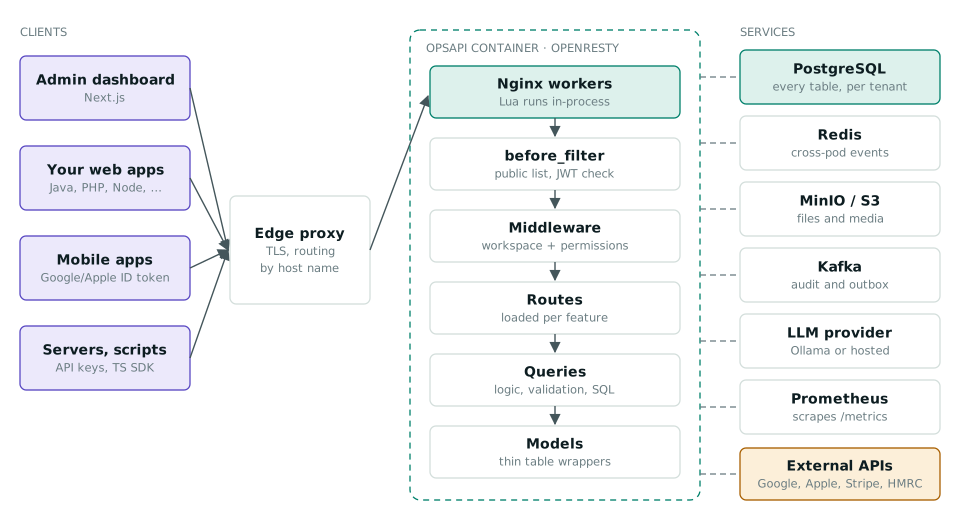
One API for Every Product: How OpsAPI Handles Sign-In, Workspaces and Business Modules
OpsAPI is an open-source, self-hosted API that signs users in once for every app, keeps each customer in its own workspace and switches on only the business modules a product needs. How it works, with diagrams and workflows.
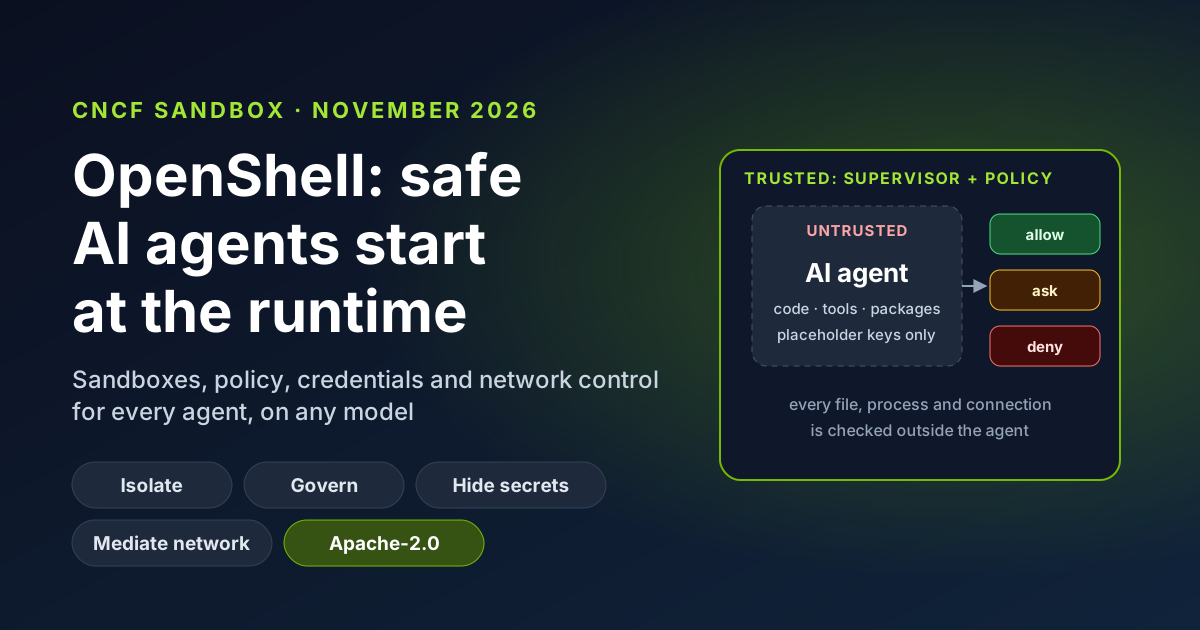
OpenShell Joins the CNCF: Why AI Agent Safety Starts at the Runtime
OpenShell, the secure runtime for AI agents created by NVIDIA, is now a CNCF Sandbox project. What it does in plain English, why runtime controls beat prompt instructions, the business benefits, and how TenthMatrix runs its own agents inside it every day.
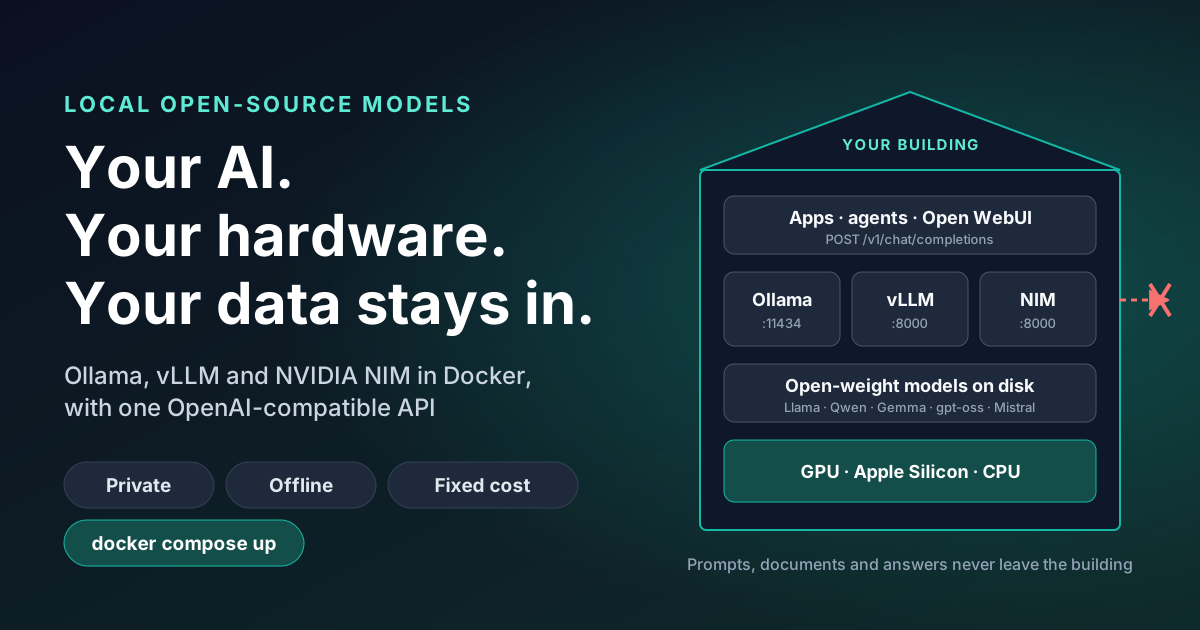
Private AI on Your Own Hardware: Local Open-Source Models and Data Privacy
Open-weight AI models now run on hardware you own, so prompts, documents and answers never leave the building. What that means for data protection, cost and control, where it falls short, and how Ollama, vLLM and NVIDIA NIM fit.