المدونة
Private AI on Your Own Hardware: Local Open-Source Models and Data Privacy
Why businesses are running open-weight AI models in-house: privacy, cost and control, and the honest trade-offs
في هذه الصفحة
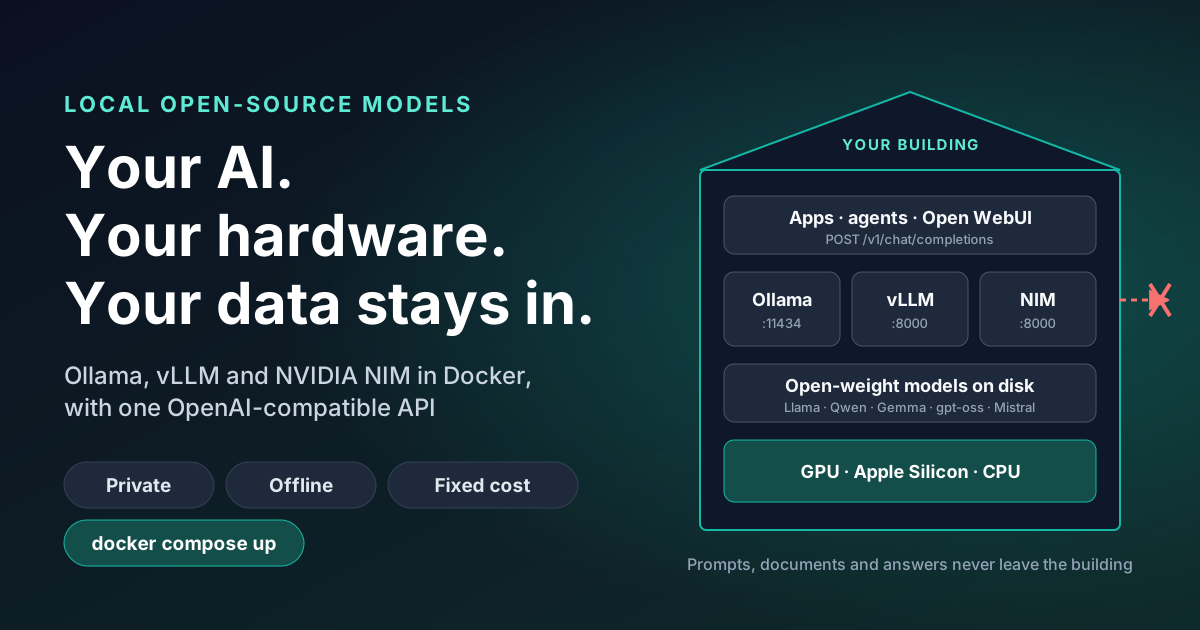
Every time a member of staff pastes a contract, a customer complaint or a spreadsheet into a public AI chatbot, that data leaves your business. Open-source AI models have now become good enough, and small enough, to run on hardware you own. The questions, the documents and the answers stay inside your building. This post explains what that means for a business, what it costs, where it falls short, and the three pieces of software most teams use to do it: Ollama, vLLM and NVIDIA NIM. Developers can go straight to the technical note, which has the Docker set-ups and working examples.
What "local AI" means
A large language model is a file, usually a few gigabytes, plus a program that runs it. Companies such as Meta (Llama), Google (Gemma), Alibaba (Qwen), Mistral and OpenAI (gpt-oss) now publish models whose files anyone can download, which are known as open-weight or open-source models. Once that file is on your own computer or server, you can use it without sending anything to the company that made it. No account, no per-question fee, and no internet connection needed after the download.
To prove the point, we started a model in a Docker container, downloaded it, and then disconnected the container from every network. We asked it why offline AI helps privacy. It answered:
"Running a model without a network connection minimizes the risk of data breaches and unauthorized access because it eliminates the potential for external connections and data transmission."
That was a one-billion-parameter model, small enough for an ordinary laptop, with its network cable effectively cut.
Why it matters: the privacy case
- Data protection law. Under UK GDPR and the EU GDPR, sending personal data to an AI provider makes them a processor, often in another country. You need contracts, transfer assessments and a clear answer about retention. With a local model, the personal data is processed on your own systems, and that conversation gets much simpler.
- Client confidentiality. Law firms, accountants, healthcare providers and anyone under a non-disclosure agreement may simply not be allowed to send client material to a third party. Local AI lets those teams use the technology at all.
- No training on your data. A model on your hardware cannot learn from your prompts and show them to someone else, because nothing is sent anywhere.
- Data residency. You know exactly which building, and which disk, holds every prompt and answer.
- A smaller attack surface. No API keys to leak, and no vendor breach that exposes your conversation history.
The other benefits
| Benefit | What it means in practice |
|---|---|
| Predictable cost | You pay for hardware and electricity, not per word. Heavy, repetitive work such as classifying thousands of emails costs the same whether you run it once or a hundred times. |
| Works offline | Keeps working during an internet outage, on a ship, at a remote site or in a secure room with no outside connection. |
| No surprise changes | The model you tested is the model you run. A provider cannot retire it, change its behaviour or raise its price overnight. |
| Speed on the local network | No round trip to a data centre, and no queue behind other customers. |
| Freedom to customise | Give a model your house style, your product names or a specialist skill, and keep the result as your own asset. |
| No lock-in | The tools below all speak the same language as OpenAI's API, so you can swap models or move to the cloud later with a settings change. |
The three tools, in plain English
 Ollama

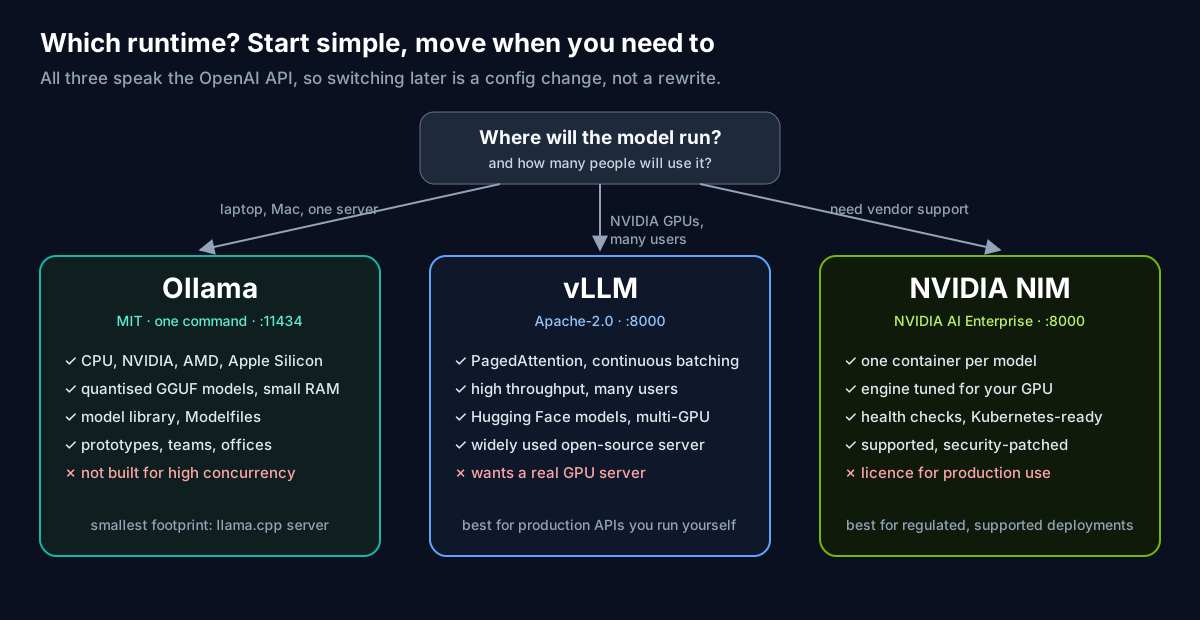
- Ollama is the easy one. One command installs it on a laptop, a Mac or a server, and one more downloads a model. It is free and open source (MIT licence) and ideal for a team, an office or a pilot.
- vLLM is the heavy lifter. It is open source (Apache 2.0) and designed to serve many people at once from powerful NVIDIA graphics cards. Choose it when a local model becomes a service the whole company relies on.
- NVIDIA NIM packages a model with NVIDIA's own optimisations into a ready-made, supported container. It is free to try for development, and production use is licensed through NVIDIA AI Enterprise. It suits organisations that want a vendor to stand behind the software.
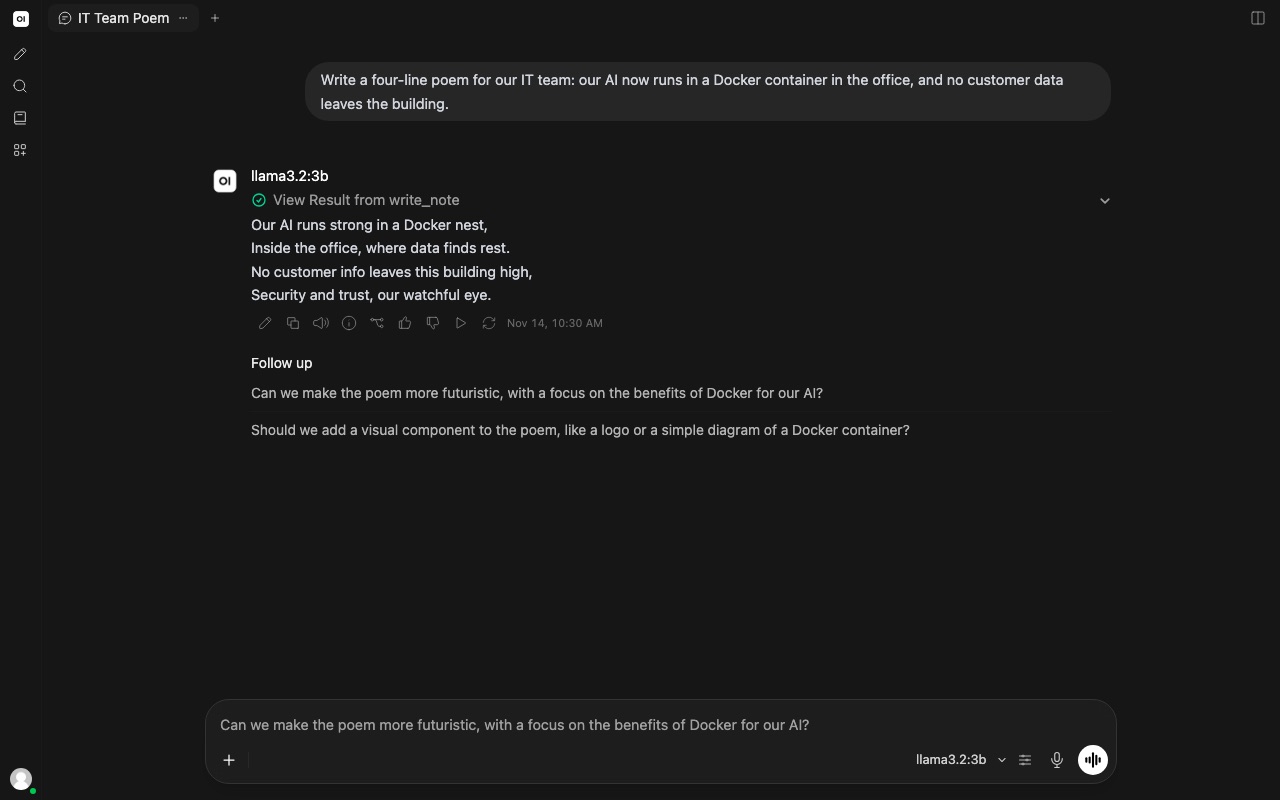
Put a friendly chat screen such as Open WebUI in front of any of them, and your staff get a private assistant that looks and feels like the public ones. Here is ours, running in Docker on a Mac and answering a prompt about itself with a three-billion-parameter Llama model:
Be honest about the trade-offs
- The biggest models are still in the cloud. For the hardest reasoning and writing, frontier models such as Claude or GPT are ahead of anything that fits on a desk. Many businesses use both: local for sensitive or high-volume work, cloud for the rest.
- Hardware matters. Small models run on a modern laptop. Larger models want a workstation with plenty of graphics memory, or a server. Serving a whole company needs proper GPUs.
- Someone has to look after it. Updates, monitoring, backups and access control become your job, or your partner's.
- Local is not automatically safe. A model on your network still needs access controls, and an AI agent that can run code still needs a sandbox. See our posts on OpenShell and agent safety.
- Check the licence. "Open" models come with different licences. Most allow commercial use, but some add conditions.
Where businesses start
- A private chat assistant for staff who handle client data: summarising, drafting and translating without anything leaving the office.
- Redacting before sharing: a local model strips names, emails and phone numbers from text before it goes anywhere else, including to a cloud model.
- Document search over contracts, policies or manuals, answered with citations.
- Bulk sorting: tagging support tickets, invoices or CVs by the thousand at no per-item cost.
- Developer tools: code assistants that never see your source code leave the building.
How we can help
We build private AI set-ups and the agents that run on them. Our sister brand Workstation sizes and supplies the hardware, from a single AI workstation to GPU servers. If you are not sure whether local, cloud or a mix is right, answer nine questions in our AI agent journey; it asks about offline hosting and open-source preferences, and recommends a set-up.
- For your developers: Local open-source models in Docker: Ollama, vLLM and NVIDIA NIM, with ready-to-run set-ups and fun examples.
- Talk to us: tell us what data you cannot send to the cloud, and we will show you a model answering questions about it on your own hardware.
Ollama, vLLM, NVIDIA and NIM are trademarks of their respective owners. The Ollama and vLLM logos are taken from the projects' public GitHub repositories. The NIM badge is our own text illustration, not an NVIDIA logo.
المزيد من المدونة
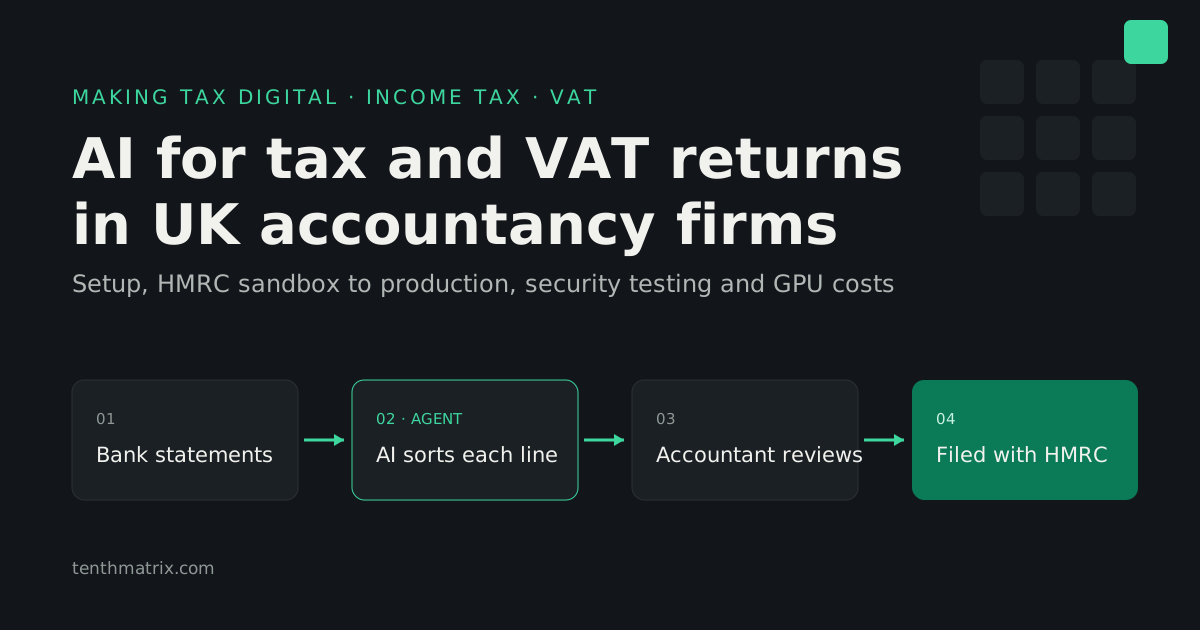
AI for Tax and VAT Returns: MTD Software for UK Accountancy Firms
How AI agents prepare Income Tax and VAT returns under Making Tax Digital, what an accountancy firm needs from HMRC from sandbox to production (penetration testing included), and the real cost of the AI: hosted, rented private GPUs or bought outright.
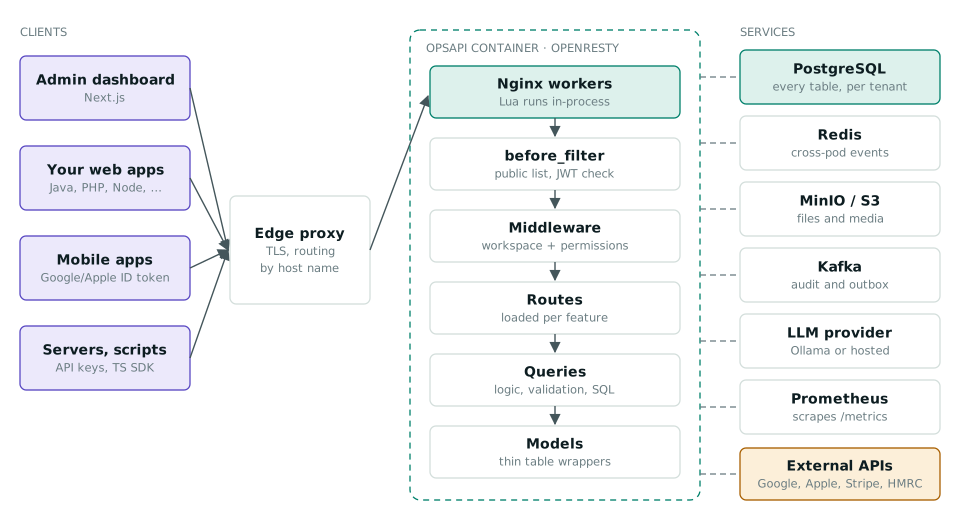
One API for Every Product: How OpsAPI Handles Sign-In, Workspaces and Business Modules
OpsAPI is an open-source, self-hosted API that signs users in once for every app, keeps each customer in its own workspace and switches on only the business modules a product needs. How it works, with diagrams and workflows.
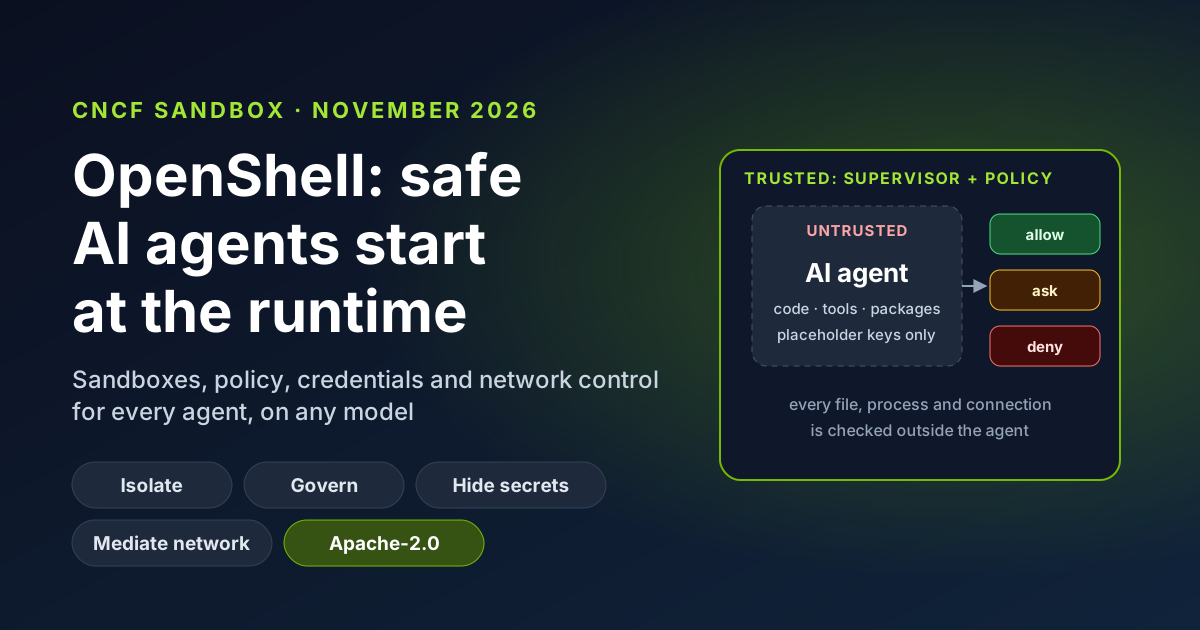
OpenShell Joins the CNCF: Why AI Agent Safety Starts at the Runtime
OpenShell, the secure runtime for AI agents created by NVIDIA, is now a CNCF Sandbox project. What it does in plain English, why runtime controls beat prompt instructions, the business benefits, and how TenthMatrix runs its own agents inside it every day.